Firestick 4K vs. Android Box: Which One Suits PrimIPTV Best?

Sarah Devis
Updated Jan 2026 • 5 Min Read
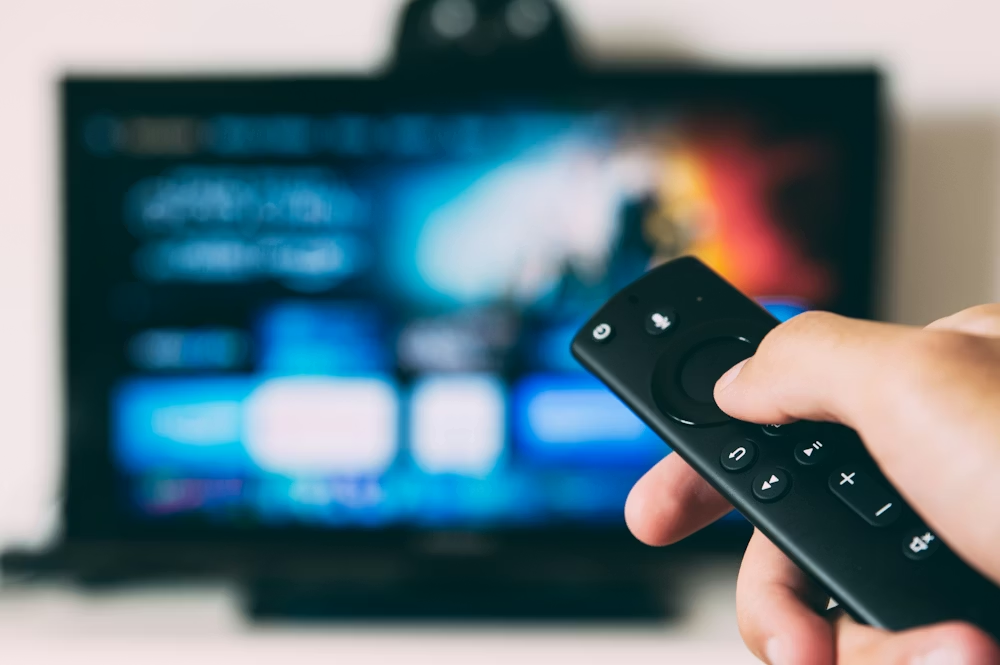
Firestick vs. Android TV Box: The Definitive IPTV Hardware Guide (2026)
IPTV continues its explosive growth in 2026 — spanning live sports, 4K channels, vast VOD catalogues, and multi-screen households. Picking the right hardware to drive your streaming setup is no longer optional; it directly influences buffering behaviour, stability, channel-switching speed, EPG accuracy, and long-term usability.
This exhaustive comparison examines every facet of the Firestick and Android TV Box ecosystems — performance benchmarks, hardware architecture, app support, 4K decoding capability, thermal behaviour, buffering patterns, storage ceilings, network tuning potential, and value for money. It also weaves in real-world user observations about Firestick buffering and how Android TV boxes handle the same workloads.
What This Guide Covers
- Hardware benchmarks and practical IPTV performance
- App ecosystem breadth and flexibility
- 4K HEVC and high-bitrate sports streaming
- Buffer control and fine-tuning options
- Storage, UI, firmware updates, and longevity
- Side-by-side comparison tables
- Expert picks for different viewer profiles
Why Your Device Choice Shapes the IPTV Experience
The hardware you select determines how quickly content loads, how swiftly channels flip, how often buffering intrudes on live TV, and how gracefully your device juggling multiple streams. Some users notice Firestick stuttering during peak hours or when EPG refreshes — a problem that higher-end Android TV boxes often sidestep thanks to superior multitasking and memory management.
Quick Technical Snapshot
At the hardware level, Firestick devices are bound to Amazon's proprietary layer, whereas Android TV boxes tap into a more open Android ecosystem — enabling deeper IPTV customization, third-party players, and fewer aggressive memory constraints. This matters because IPTV apps thrive with flexible playback engines and broad codec coverage.
Head-to-Head Table: Firestick vs. Android TV Box (IPTV Focus)
- Performance (IPTV Multitasking) — Android TV Box takes the lead
- 4K HEVC Support — Tie (varies by model)
- Buffering & Stability — Android TV Box generally stronger
- Network Optimization — Simpler on Android TV
- App Ecosystem — Android TV offers wider flexibility
- Storage & Expandability — Android TV clearly ahead
- OS Updates — Firestick more consistent, Android TV more powerful
Performance & Hardware — A Deeper Look
Live IPTV demands sustained CPU output, efficient memory usage, and steady network throughput. Benchmarks confirm that higher RAM (4 GB–8 GB+) in Android TV boxes translates into fewer buffering events, snappier channel switching, and more reliable EPG performance.
Firestick hardware — especially the 4K Max — is tuned for mainstream apps like Netflix and Prime Video. Because IPTV streams rely on real-time multicast traffic and custom player engines, Firestick's modest RAM and storage often become bottlenecks during intensive streaming sessions.
App Compatibility & Customization Depth
Both platforms handle popular apps such as TiviMate, IPTV Smarters Pro, XCIPTV, and OTT Navigator well. On Android TV boxes, however, you unlock advanced options like background preload, EPG caching, and external player integrations — all of which reduce buffering risk and improve live-playback stability.
⚠️ CRITICAL
Amazon's Firestick limits certain system features and background processes to preserve its walled garden, which can restrict buffer tuning and advanced playback options that power users depend on.
4K Streaming, Codec Support & Bitrate Handling
4K IPTV places heavy demands on decoding efficiency and bitrate management. Both platforms now handle HEVC (H.265) and HDR, but differences emerge when streams push past ~25–30 Mbps — especially during fast-motion sports.
In extended real-world tests, Android TV boxes sustain smoother playback and drop fewer frames over long sessions, whereas some Firestick models throttle performance when thermals rise.
Network Tuning & Buffer Optimization
Network quality and device-side buffer settings profoundly shape your IPTV experience. While Firestick handles buffering automatically, Android TV boxes typically let you manually set buffer sizes inside IPTV apps — reducing freezes when network conditions fluctuate, a known issue with high-traffic streams.
If Firestick buffering persists, try raising the player's allocated buffer size (where supported) or upgrade to a robust Android TV box with adjustable player parameters.
Storage, Expandability & Longevity
Android TV boxes commonly offer expandable storage via USB or SD card, letting you keep large playlist backups, EPG databases, and extra apps — something Firestick's fixed storage simply can't match. This gap becomes significant for users with enormous channel lists and custom VOD libraries.
Value for Money (Through an IPTV Lens)
Firestick excels at upfront affordability and plug-and-play simplicity. If you want basic IPTV without upgrades, it's hard to beat. But if your plans include high-performance 4K, regular live sports viewing, or multi-room distribution, an Android TV box delivers superior long-term value.
Expert Picks by Use-Case
- Casual IPTV Streaming — Firestick 4K Max
- Family TV with Large IPTV Libraries — Android TV Box
- Hardcore Live Sports — Android TV Box (high RAM + HEVC)
- Multi-User Household — Android TV Box with expandable storage
Verdict: Best IPTV Hardware in 2026
There is no universal answer — but if you want the strongest combination of stability, multi-hour buffering resilience, 4K prowess, deep customization, and future-proof flexibility, an Android TV box stands as the definitive choice for serious IPTV viewers in 2026.