Eliminate IPTV Buffering: The Definitive 2026 Fix Guide

David Lee
Updated Jan 2026 • 5 Min Read
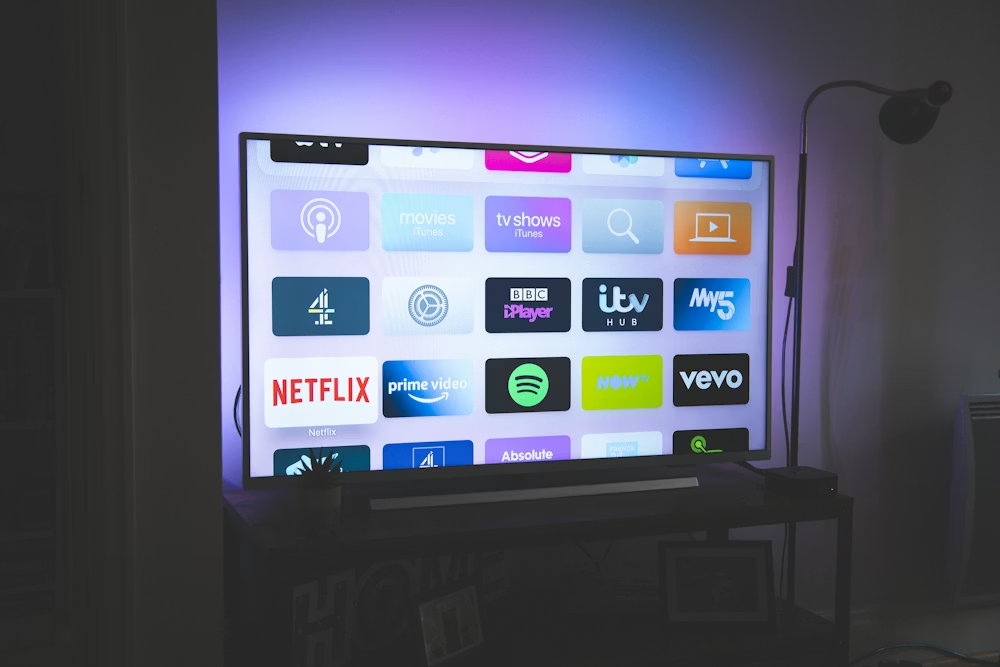
Why Does My IPTV Keep Buffering? A Complete Troubleshooting Guide (2026 Edition)
Buffering, freezing, and stuttering remain the most widespread headaches for IPTV viewers in 2026. Whether you're tuning into live sports feeds, 4K UHD channels, or premium on-demand titles, even a brief pause can shatter the experience. Unlike Netflix or YouTube, live IPTV relies on real-time data delivery, which makes it far more vulnerable to network instability, poor routing, and congested servers.
This in-depth guide breaks down precisely why buffering occurs, teaches you how to pinpoint the actual bottleneck, and shows you how to permanently resolve the problem on Firestick, Android TV, Smart TVs, MAG boxes, and every major IPTV player app.
1. Speed vs. Stability: What IPTV Actually Demands
A common misconception is that buffering always means your internet is too slow. In practice, IPTV performance hinges far more on connection stability than raw bandwidth. Live streaming needs low latency, minimal jitter, and zero packet loss to maintain fluid playback.
- HD IPTV feeds: 15-25 Mbps (stable)
- Full HD (FHD) streams: 30-40 Mbps
- 4K IPTV feeds: 50-75 Mbps minimum with no jitter
A rock-solid 50 Mbps line will outperform a 300 Mbps connection plagued by jitter or packet loss. Always measure connection quality, not just speed. Target values: Ping below 30ms, Jitter below 5ms, Packet Loss at 0%.
2. Wi-Fi vs. Ethernet: Why a Wired Connection Always Prevails
Wi-Fi interference is among the most overlooked culprits behind IPTV stuttering. Walls, distance from your router, nearby networks, Bluetooth gadgets, and even household appliances can all disrupt data packets.
⚠️ CRITICAL
For serious streaming, Wi-Fi simply can't match a cable. A wired Ethernet connection can resolve up to 90% of buffering and freezing problems, particularly for live sports and 4K channels. Use CAT6 or CAT7 cables wherever feasible.
3. Purge Cache and App Data in Your IPTV Player
Player apps store temporary cache files to speed up loading. Over weeks of use, that cache grows bloated and corrupted — leading to freezes, sluggish channel switching, random crashes, and playback errors.
Clearing IPTV Cache on Firestick
4. Tweak IPTV Buffer Size for Rock-Solid Playback
Advanced players let you manually adjust buffer sizes. Bumping the buffer higher lets more video data preload, which dramatically cuts down on mid-stream pauses during peak hours, live events, and high-traffic windows.
If your IPTV stalls during football matches or prime-time evenings, set your buffer to Large or Very Large. A minor initial delay beats constant mid-play buffering every time.
5. Keep Your Apps, Devices, and Firmware Current
Outdated apps and old firmware are a major source of buffering and black screens. Modern streams depend on efficient codecs like HEVC (H.265) and AV1, which need up-to-date decoding support.
6. Reboot Your Router and Streaming Device on a Schedule
Routers and streaming hardware accumulate memory leaks and stale routing tables over time. Restarting them frees RAM, refreshes network paths, and restores peak streaming performance.
7. VPN and IPTV: When It Helps and When It Hurts
VPNs can bypass ISP throttling, but a sluggish or overloaded VPN will make buffering substantially worse. Only activate a VPN if your ISP restricts IPTV traffic and the VPN server is fast and geographically near you.
8. The Leading Cause of Buffering: Your IPTV Provider
If you've optimized your internet, hardware, and apps and still see buffering, the culprit is almost always the provider. Low-quality services oversell accounts, overload servers, and lack proper load-balancing mechanisms.
⚠️ CRITICAL
Premium providers like PrimIPTV operate globally load-balanced servers, ISP-adaptive routing, and zero-buffer technology to maintain stable, interruption-free streaming even during peak demand.
Wrapping Up: How to Permanently Eliminate IPTV Buffering
Solving buffering for good requires a blend of network optimization, proper player configuration, and — above all — a dependable IPTV provider. Follow this guide and you'll unlock smooth, reliable, high-quality streaming with live sports, 4K channels, and absolutely no freezing.